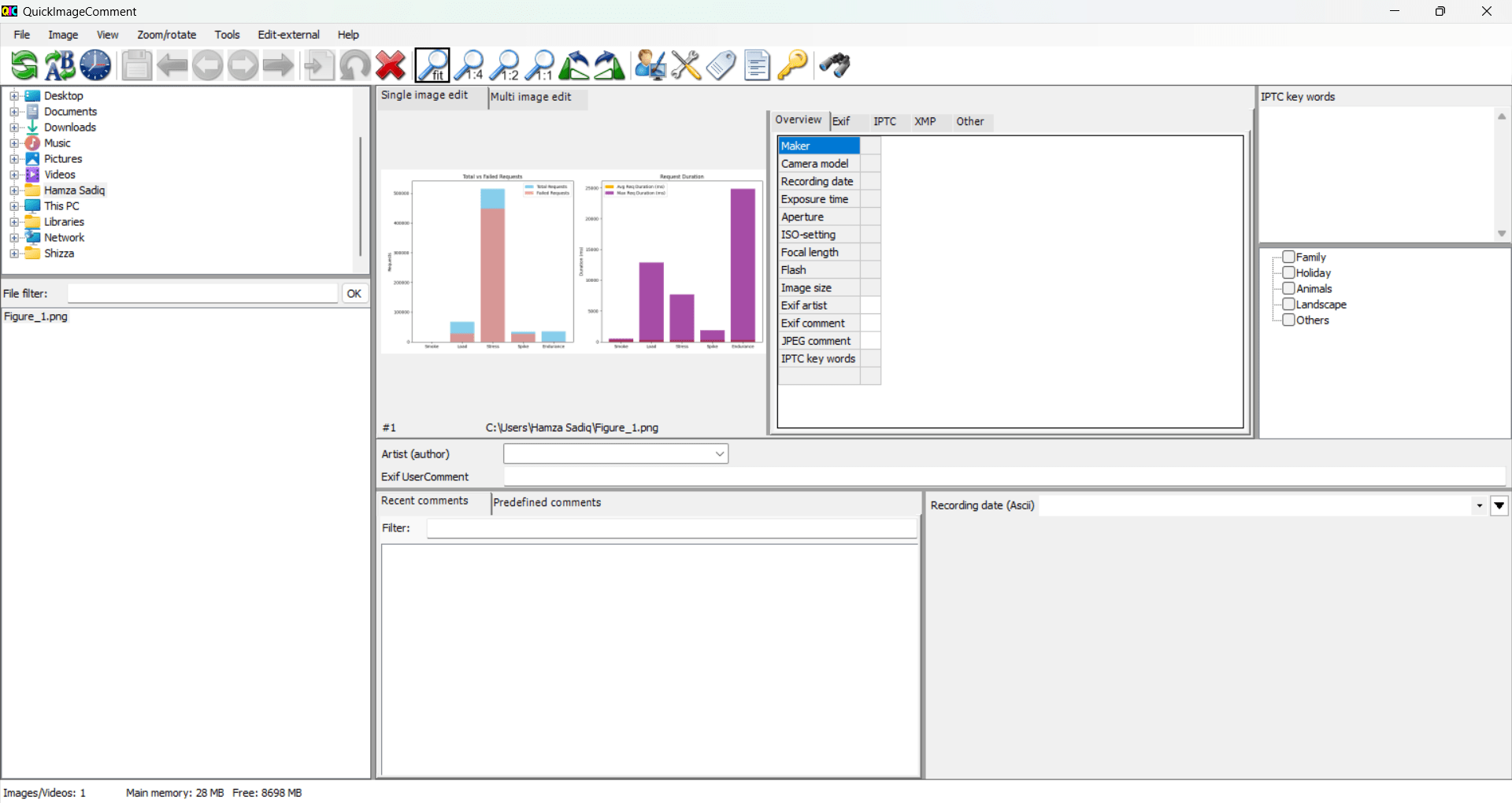
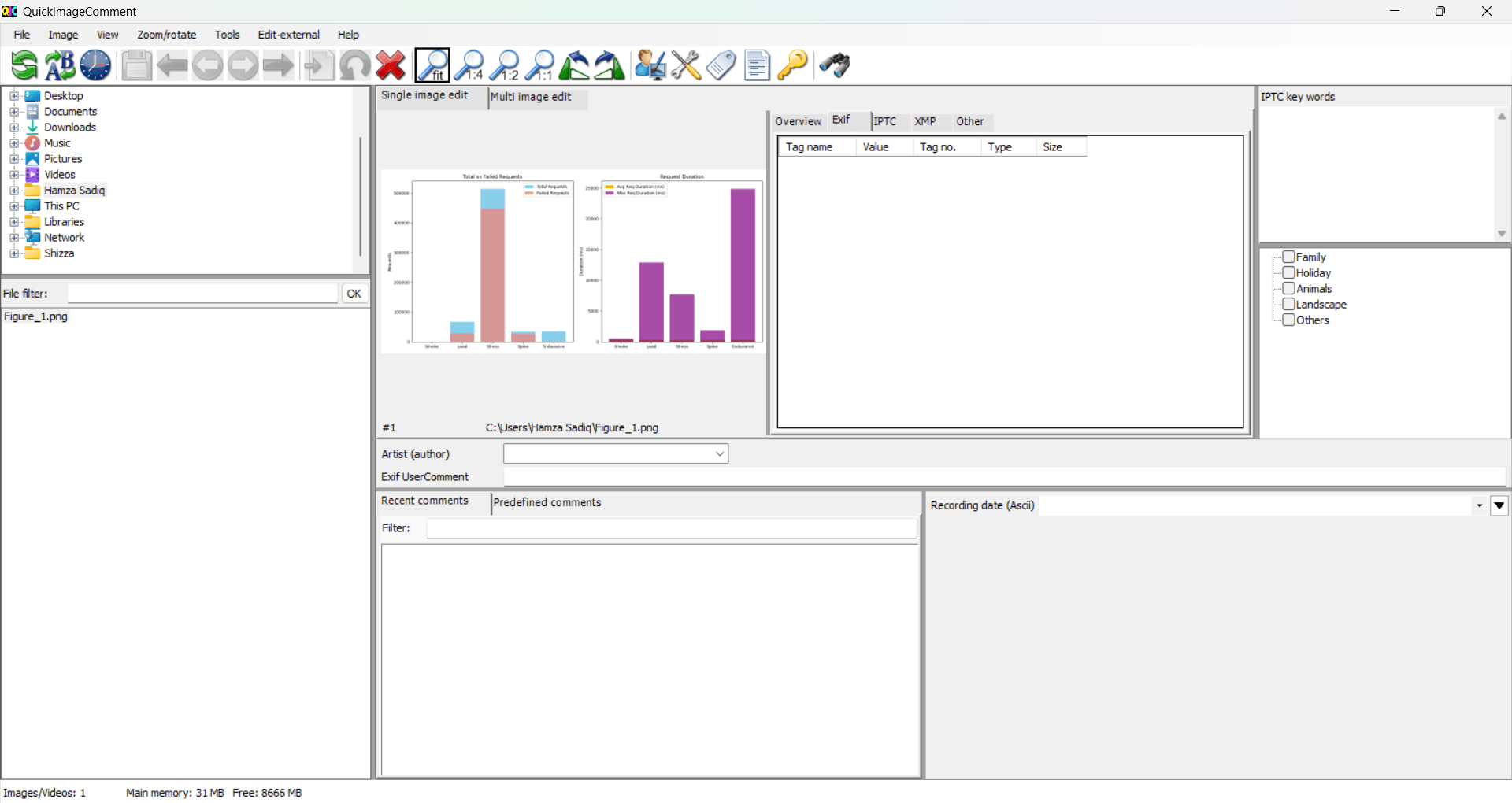
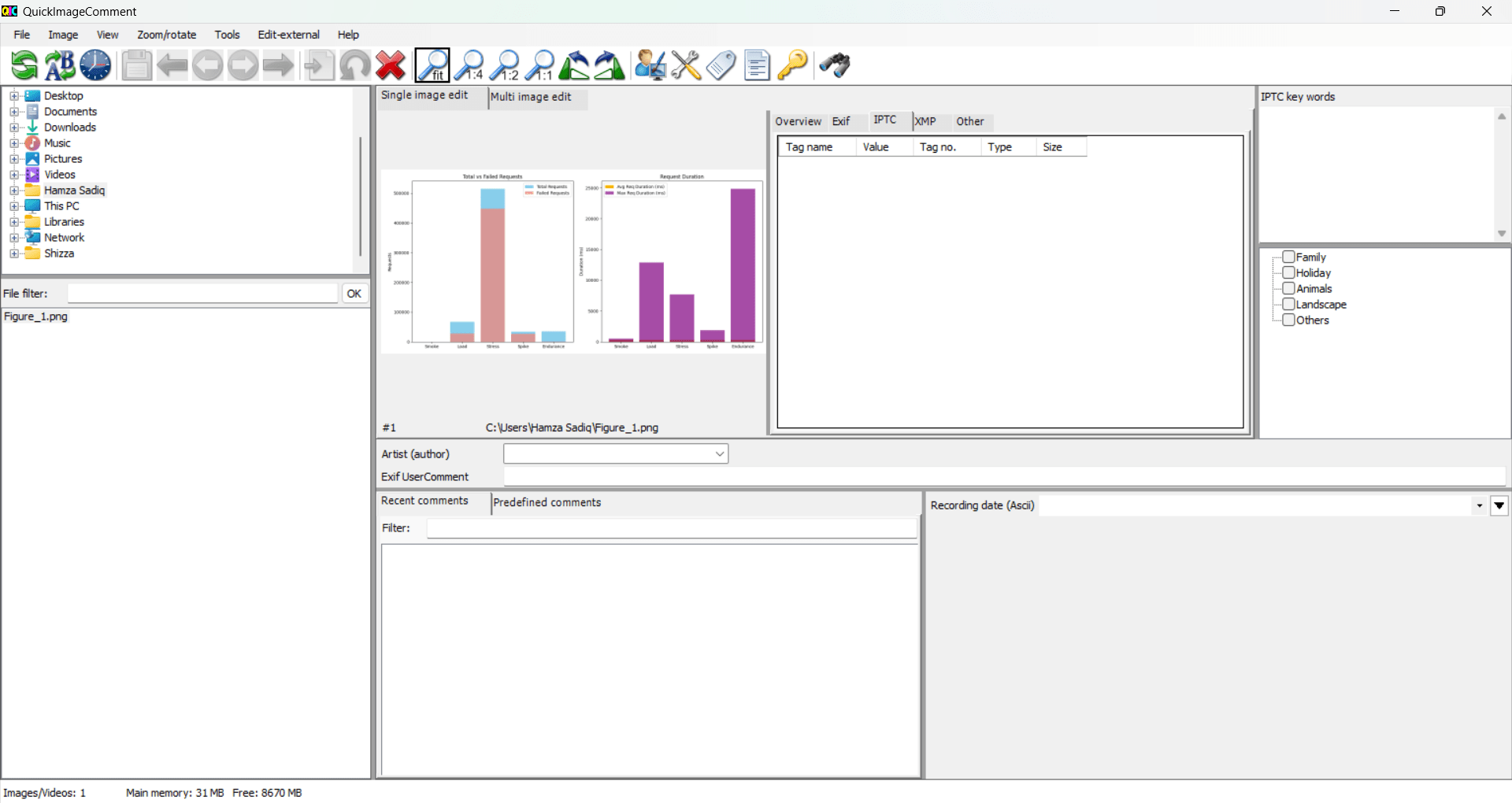
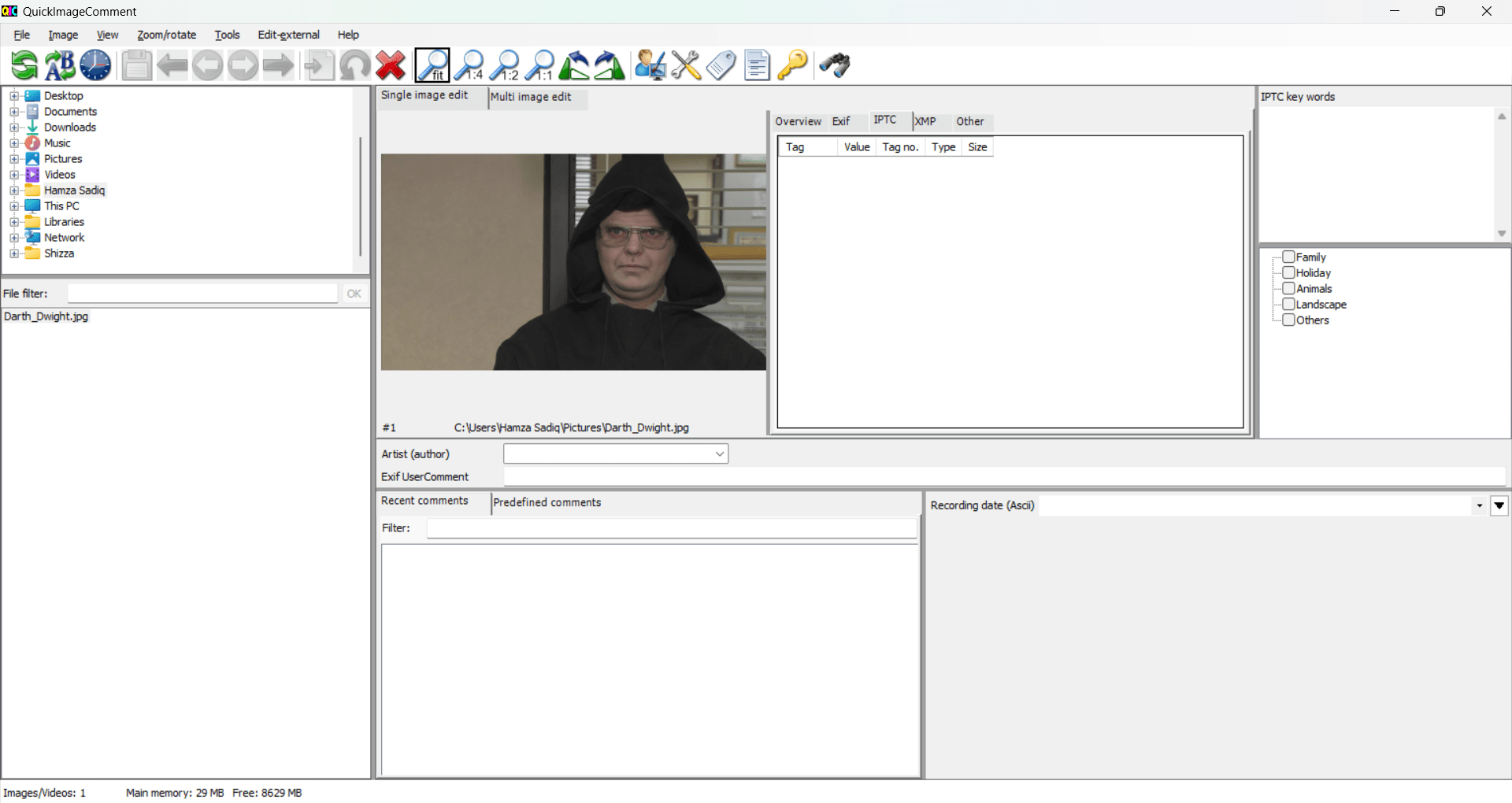
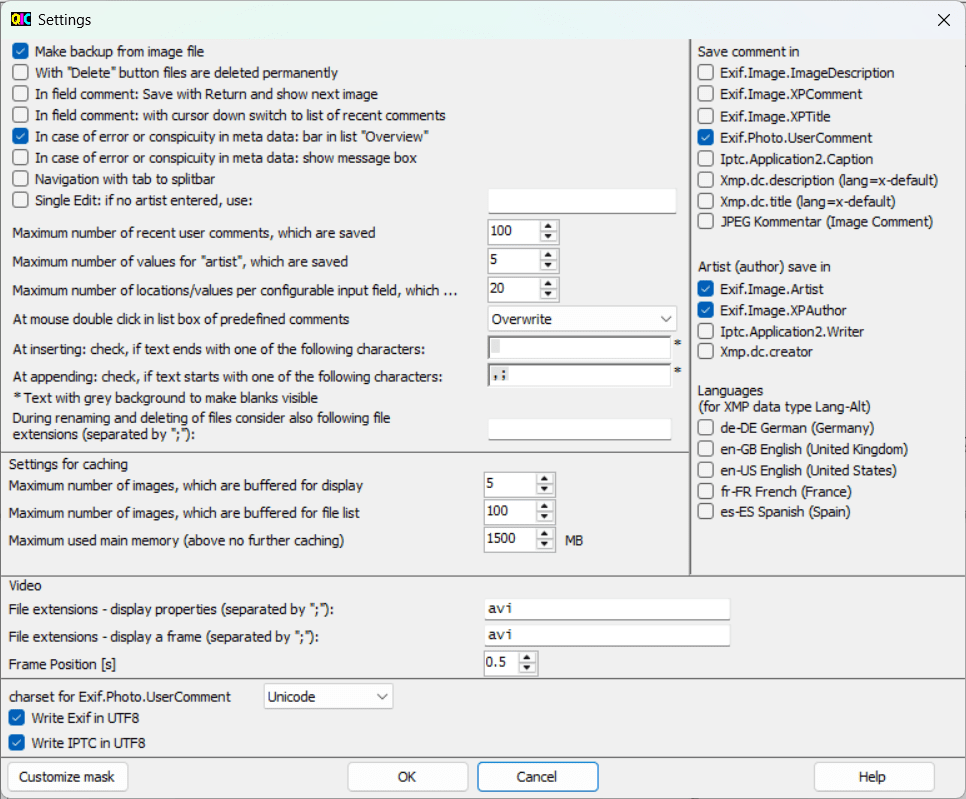
QuickImageComment is a powerful and free Windows application designed for people who work with images and need full control over the metadata of their images. Whether you are a photographer, digital artist, or someone whose work includes editing and managing photos, this application will offer you a detailed view into the world of metadata, including EXIF, IPTC, and XMP. Not only that, but it also provides you with the tools to edit and manage it all from a clean, functional user interface.
All the metadata control that you need
While there are many image viewers out there that let you see basic information, QuickImageComment takes it a step further and allows you to view everything from shutter speed and camera model to GPS coordinates, keywords, descriptions, tags, and custom fields. Any information that the photo has, this tool will show
it to you.
QuickImageComment also lets you edit most metadata fields directly, making it useful for correcting camera info, adding author details, tagging images, or preparing files for professional workflows. What makes it stand out is its balance of technical depth and usability. There are structured layouts, custom templates, and live previews, so you can see exactly what you are modifying and setting up. If you are someone who manages large batches of data, this will be useful for you.
Edit image data
When it comes to metadata and image data, QuickImageComment has support for the following:
- EXIF (camera-generated data: aperture, ISO, timestamp, GPS)
- IPTC (keywords, titles, captions, copyrights)
- XMP (Adobe-style metadata for professional workflows)
When it comes to editing, it can help you add/update tags, modify descriptions, edit timestamps, adjust copyright info, add GPS coordinates, and so much more. It is incredibly handy for photographers as well as anybody else who wants clarity and certainty before sharing their photographs.
Dated user interface
While the application does not have many disadvantages, the user interface is definitely old-school. It still does the job perfectly fine, but for modern users, the UI will take some getting used to.
Batch editing and organization
Batch editing is by far the most useful feature of QuickImageComment. You can edit and update the metadata of photographs in batches, especially when you need to share complete photo sets with clients or upload them to the web. You can even copy metadata from a single image to many others, as well as rename them using certain criteria.
This makes the software extremely efficient for cataloging or preparing photos for publication, websites, or archives.
A precise and reliable metadata editor
QuickImageComment is an excellent Windows utility for managing and editing metadata with high accuracy. The UI is definitely old-school, but it is extremely functional. If you value transparency, accuracy, and batch processing capabilities, this tool delivers superb value despite its simple presentation.